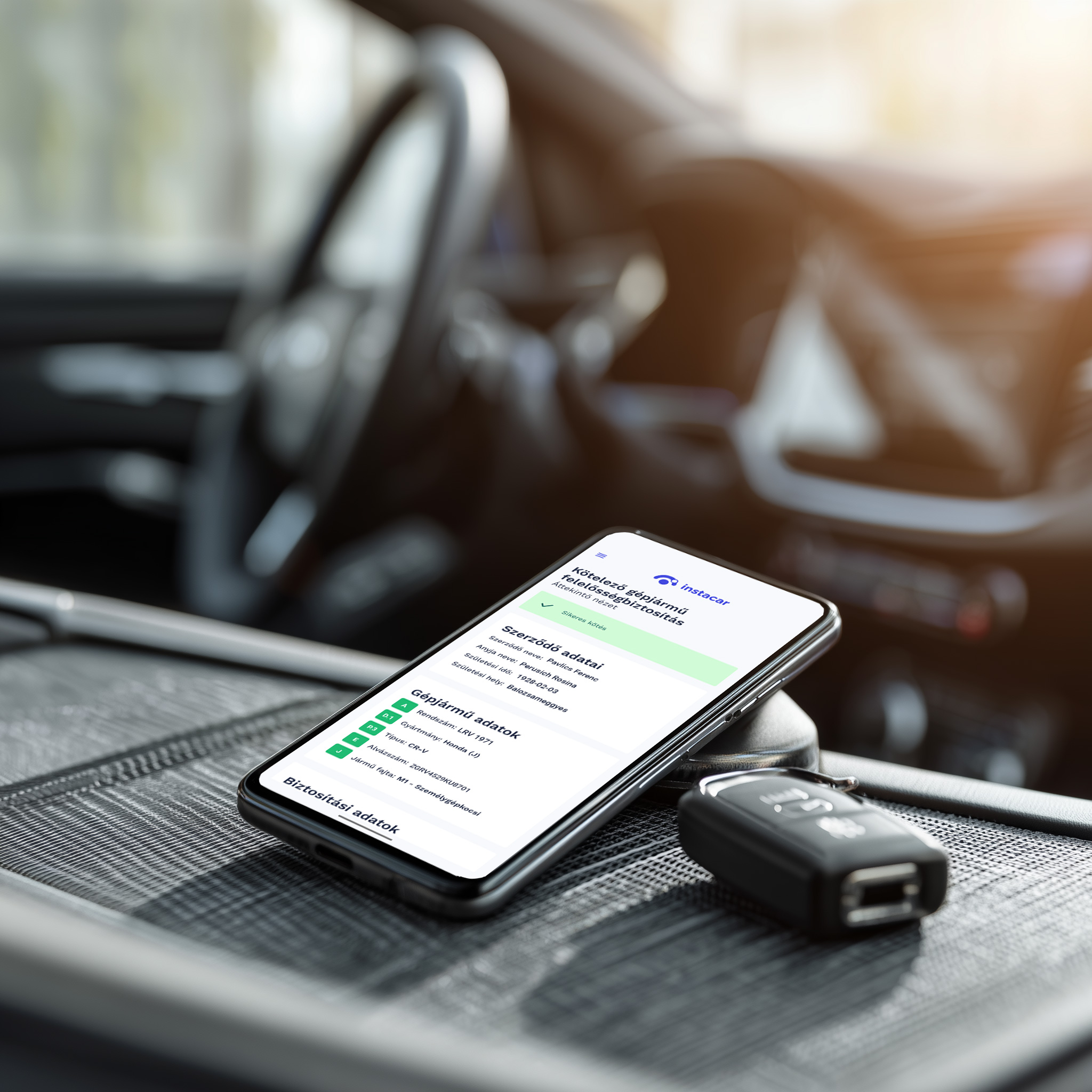
What’s new in Instacar: starting 6 March 2026, you can complete the full MTPL (KGFB) purchase flow inside the Instacar app. Not just a quote — you can go from comparison to signing without redirects.
13 insurer offers in one place
In the app you can compare offers from 13 insurers for the same vehicle. That means a clearer decision: you see the prices, pick what fits you best, and you can finalise the contract in a few steps.
Currently, offers from the following insurers are available in Instacar (the list may expand over time):
-
 K&H Biztosító Zrt.
-
 Allianz Hungária Zrt.
-
 KöBE Közép-európai Kölcsönös Biztosító Egyesület
-
 Generali Biztosító Zrt.
-
 Ominimo
-
 UNIQA Biztosító Zrt.
-
 Genertel Biztosító Zrt.
-
 Magyar Posta Biztosító Zrt.
-
 Groupama Biztosító Zrt.
-
 SIGNAL IDUNA Biztosító Zrt.
-
 UNION Vienna Insurance Group Biztosító Zrt.
-
 Gránit Biztosító Zrt.
-
 Alfa Vienna Insurance Group Biztosító Zrt.
Smart autofill — truly just a few taps
To keep the process fast, we pre‑fill your vehicle’s data. If you consent, we can also pre‑fill your personal details — so in most places you only need to review and confirm instead of typing everything in.

Renew or switch — both work in the app
Whether you’re buying MTPL for the first time or changing insurers, the flow is the same: minimal admin, maximum clarity, and control over the final decision.
At renewal time, we watch prices for you
When your renewal date is coming up, the key is spotting in time if there’s a better price for the same vehicle. Instacar helps with that too: we monitor newly available premiums and suggest switching when it makes sense.
How to start
- Open the Instacar app and go to Insurance.
- Select your vehicle (or enter the plate number) and review the pre‑filled details.
- Compare offers from 13 insurers, then choose the one that fits you.
- Approve the required declarations and complete the purchase in the app.